Teams
Teams are collections or groups of users with a shared identity — for example, a group of counsellors working together in a practice.
What are teams?
Teams are collections or groups of users with a shared identity. Some examples are a group of counsellors working together in a practice, a sub-group of a larger organisation, or a group of practitioners working under a particular supervisor.
How are teams set up?
Standard installations of SolveFit Tracker are pre-populated with teams such as single-users, or specific groups set up as needed. Bespoke instances have complete control over team creation themselves.
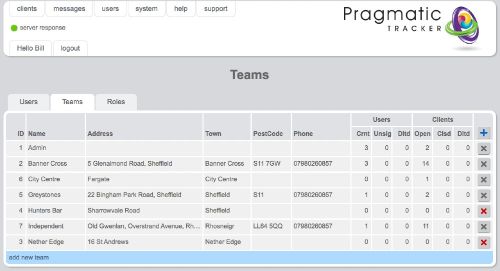
Team List
The team list is where existing teams can be found with links to their details. From the team list page new teams can be created.
Adding teams
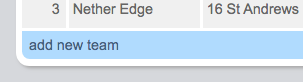
Clicking on the + symbol on the top right of the team list, or clicking the blue bar (add new team), takes you to the team form where a new team can be created and its details added.
Teams and roles
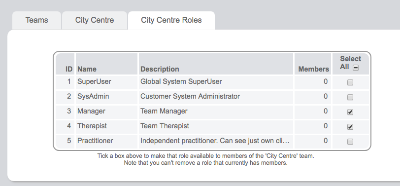
When a new team is created it must have roles allocated to it. Teams can thus be restricted to having just certain types of role available to them.
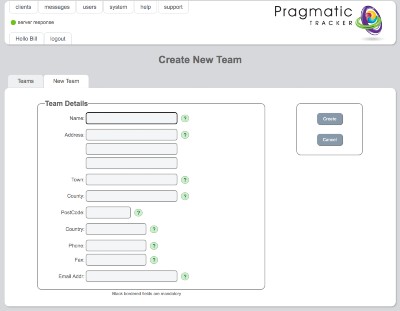
Create a new team
The team form is the page where new team details are added.