
Help › Users
Create / Edit Team
The team form is where new team details are added and existing team details are edited.
Editing a team
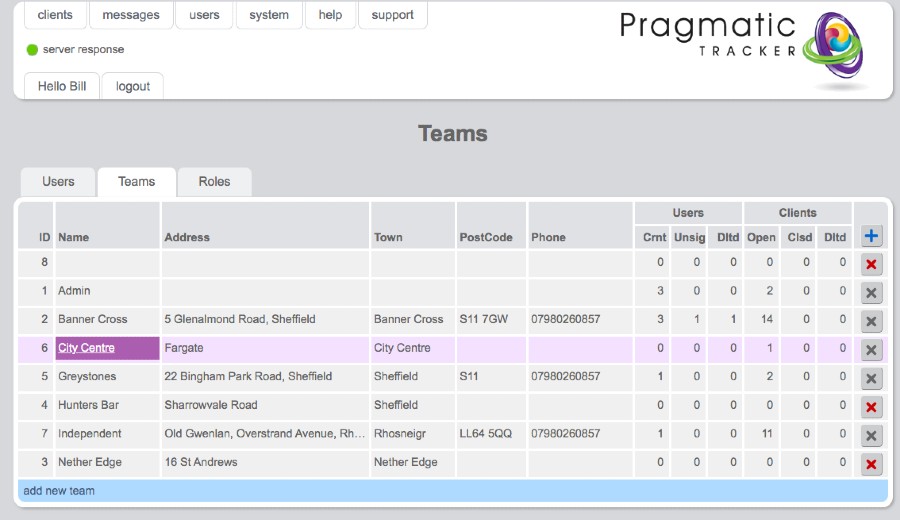
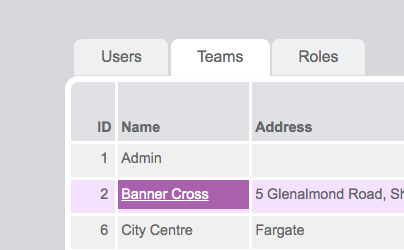
In order to edit a team, hover on the team name and click it. This will open the Edit Team page. Make changes and save.
Note
Team members are listed here but cannot be edited from here. If you need to change a team member this must be done in the member's profile page.
Creating a new team
In order to create a new team click on the blue bar (add new team). Name your team, add any other details, and save.
.jpg)