
Measures List
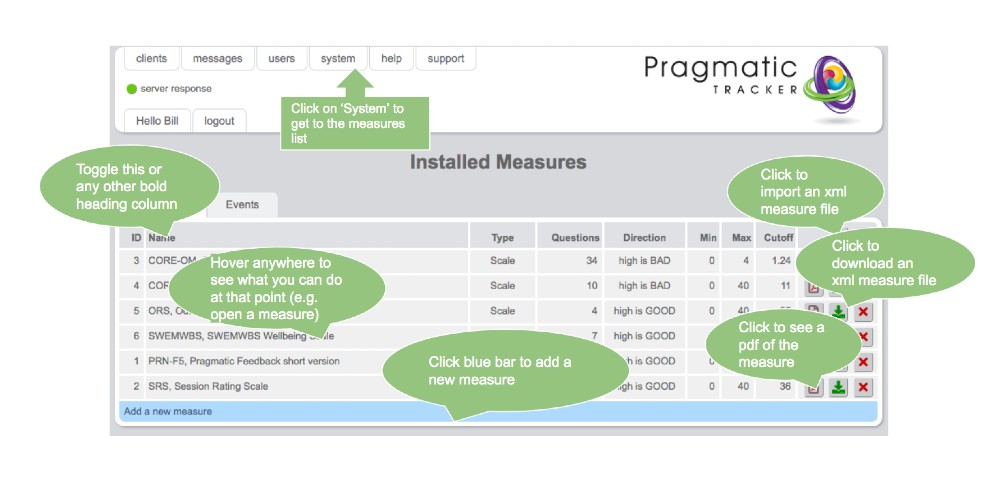
The measures list is accessed by clicking on System on the top menu. This is the central area for managing all questionnaire measures in SolveFit Tracker.
Warning
Making changes to Measures is a serious undertaking and needs to be carried out very carefully under consultation with and with the support of SolveFit Tracker or with a sophisticated user who is well trained in this part of the system. Permission is restricted to the highest level of user, the superuser. Please exercise great caution in this part of the system.
Overview
On this page you can view the measures already in your system, open them, download them as PDFs or XML files, and also upload XML files that are correctly built for use in SolveFit Tracker.
Import / Export / Open PDF / Delete
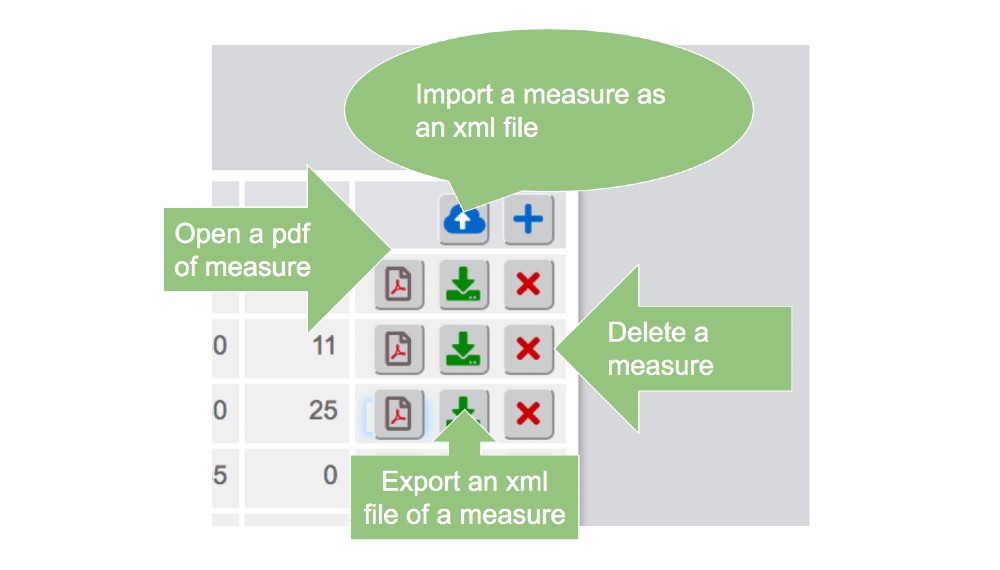
These actions are all managed by the controls on the right side of the measures list window.
Adding a new measure
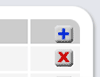
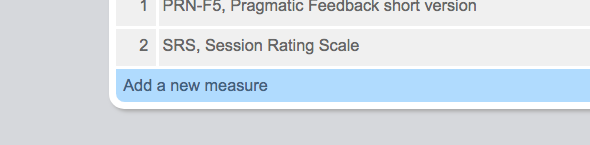
To add a new measure either click on the + sign or the blue bar. This will then take you to the Add new measure page.
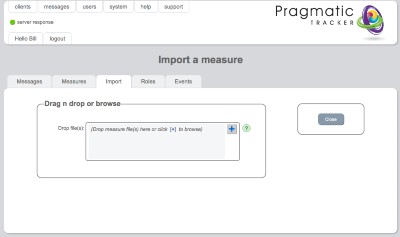
Importing an XML file
The XML file will always be from a measure built in SolveFit Tracker. This function is used for importing new measures that were built in separate installations.
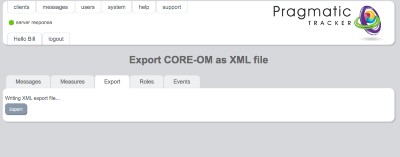
Exporting an XML file
The XML file will be created from the measure you choose here. This function is used for exporting measures to other separate installations of SolveFit Tracker.
Viewing a PDF
The PDF facility is most useful for checking progress when building a new measure or if you wish to create a paper version of a measure for later data entry. You can open it to view it and also download it to your hard drive.