Components
Some measures have components — clusters of items that measure a particular attribute, forming a sub-set of the overall measure.
Overview
As with measure building generally, the best way to understand components is to look at how they are managed in other measures.
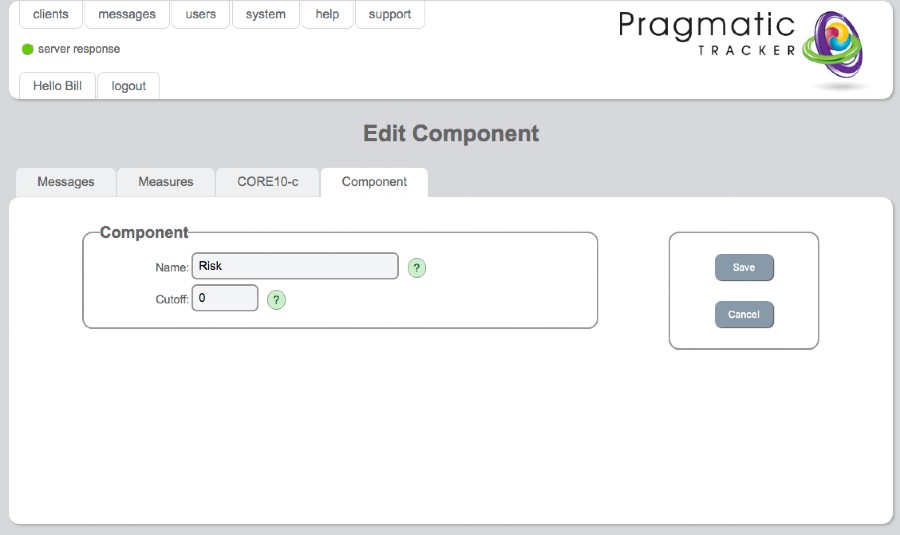
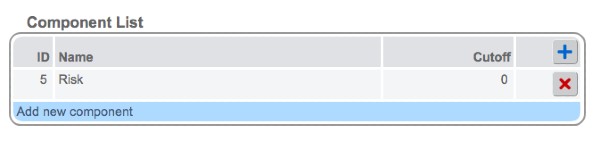
CORE-10 component
The CORE-10 measure has just one component that is highlighted — that of risk — to help bring the attention of the user to any risk issues.
CORE-OM components
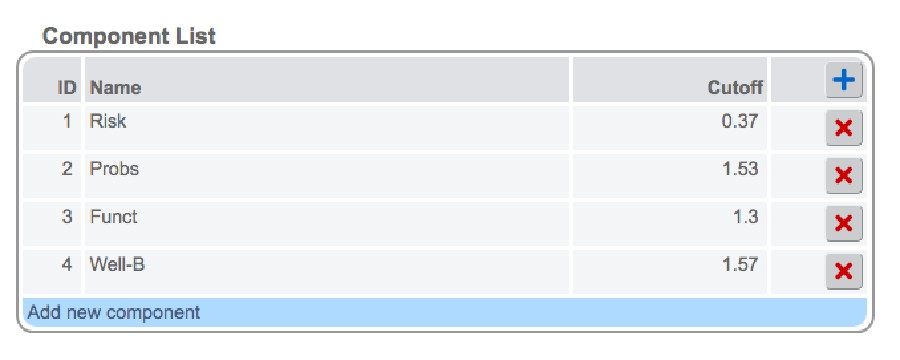
The CORE-OM measure has 4 components: Risk, Problems, Functioning, and Wellbeing. Each has its own cut-off score. By adding them here they will appear as a sub-set of the overall CORE-OM when viewed on the progress chart.
Add component
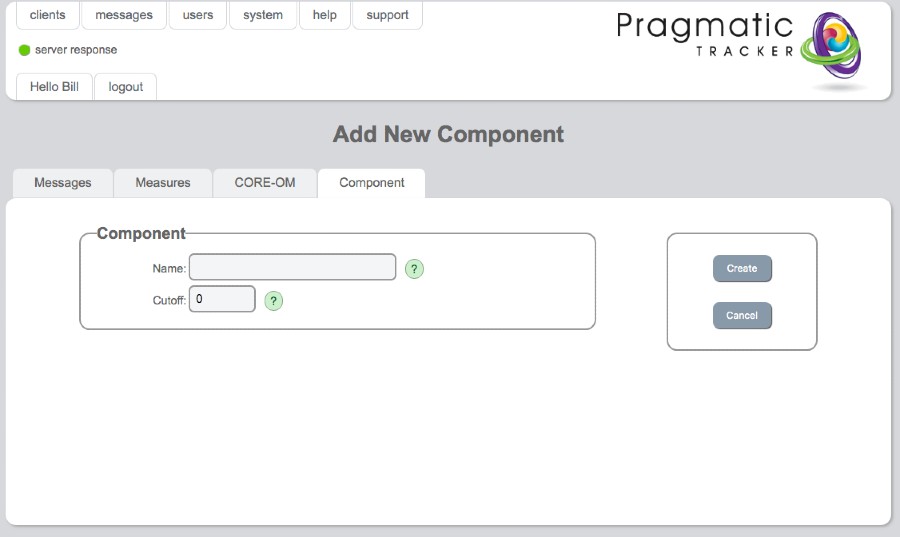
In order for any measure item to be associated with a component, the component needs to first be added. This is done on the Add New Component page, where the component is named and the cut-off score (if any) is written.
Edit component
If there are mistakes to be corrected or changes to be made to a component this is carried out on the Edit Component page.