Help › Measures
Assign to Users
Measures need to be allocated to users in order for them to appear in the user's available measures list.
Measure user list
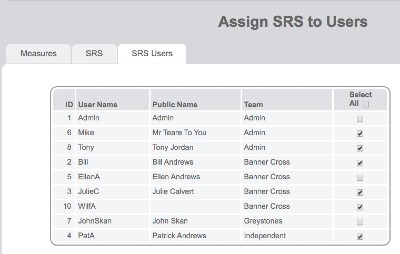
The measure user list shows which users currently have access to this measure.
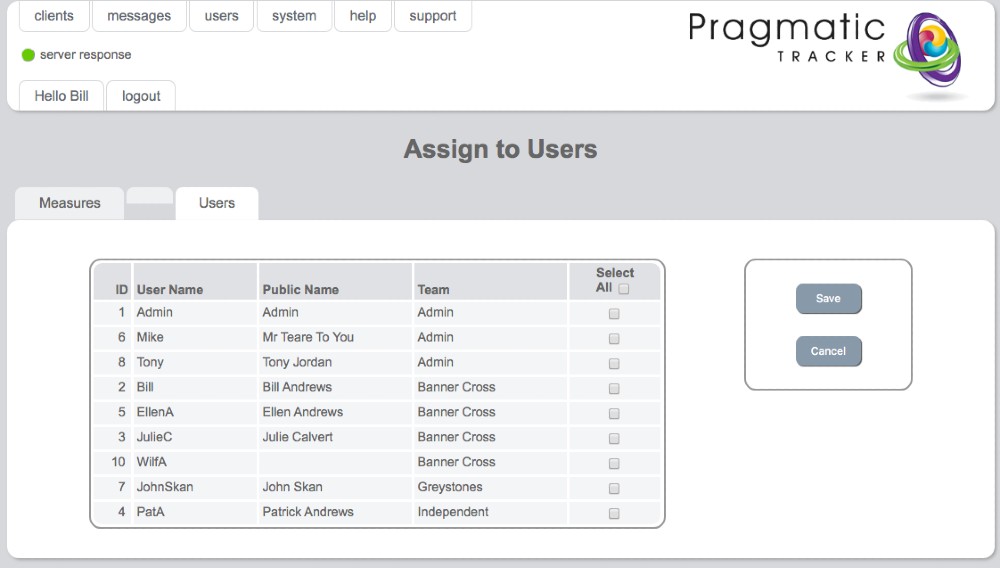
Select all
Ticking the Select all box will allocate the measure to all users.
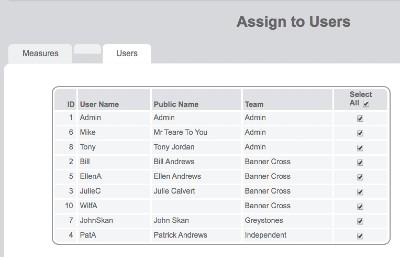
Select some
By deselecting all, you can then select the specific users to allocate the measure to.