
Add / Edit Measure
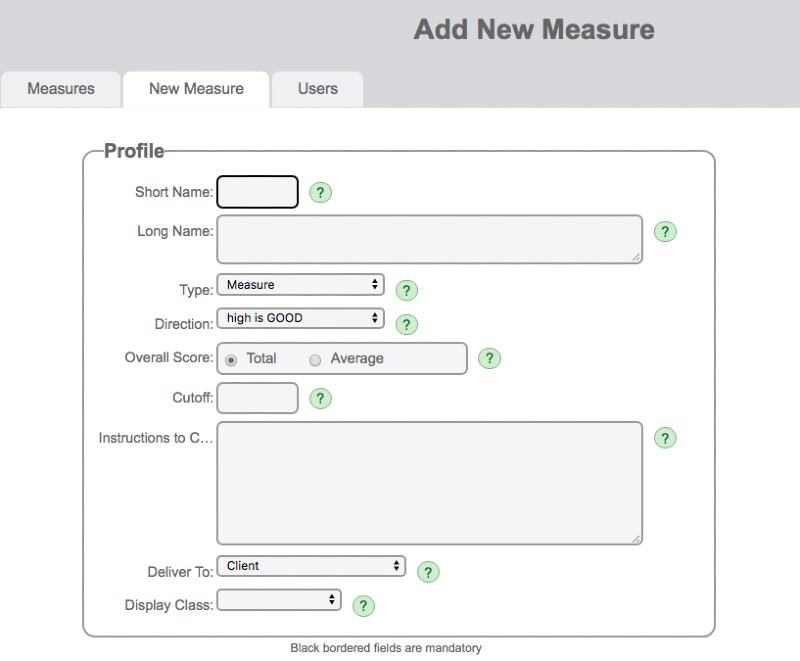
The Add / Edit Measure page is the build area for creating or modifying measures in SolveFit Tracker.
Warning
Building Measures is a serious undertaking and needs to be carried out very carefully under consultation with and with the support of SolveFit Tracker or with a sophisticated user who is well trained in this part of the system. Permission is restricted to the highest level of user, the superuser. Please exercise great caution in this part of the system.
Add new measure
This page is the build area for a new measure.
Edit measure
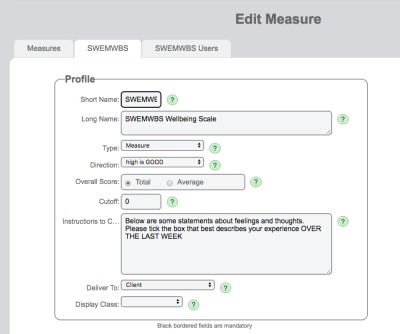
You will arrive on the Edit Measure page when you click on any existing measure.
Copyright
Measures are copyrighted instruments that need to adhere to strict criteria in order to avoid breach of copyright. Please tread with caution. The best use a user can make of the measure edit page is simply to use it to observe how an existing measure has been built.
Understanding what you're doing
The best way to understand what each field is for is to use the green help buttons at each data entry point. Combine this with viewing (carefully) existing measures to see exactly how they have been built and you will soon learn how to use the measure building tool if you need to build any measures yourself.
Printed Form Text
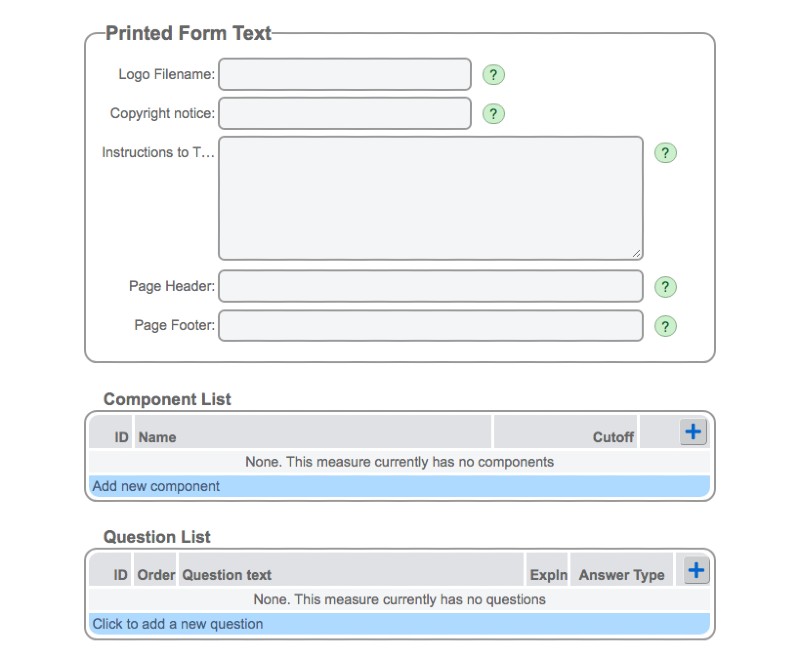
This section is relevant to producing a PDF of a measure that complies with the correct copyright notice and attribution. It also includes a section on instruction to the therapist. This is only viewed on the PDF.
Components
If a measure has components this is where they will be added. The best way to understand this section is to look at an example of a measure that has components to see how it was built (e.g. CORE-OM). See the Components help page for more detail.
Question List
This is where the individual items that make up a new measure get built. See Add / Edit Question for more detail.