
Help › Measures
Import a Measure
When you have XML files of measures that were built within another SolveFit Tracker installation, they can be imported into this installation.
Warning
Everything to do with Measures is a serious undertaking and needs to be carried out very carefully under consultation with and with the support of SolveFit Tracker or with a sophisticated user who is well trained in this part of the system. Permission is restricted to the highest level of user, the superuser.
Import measure
When one has XML files of measures that have been built within another SolveFit Tracker system they can be imported into this SolveFit Tracker installation.
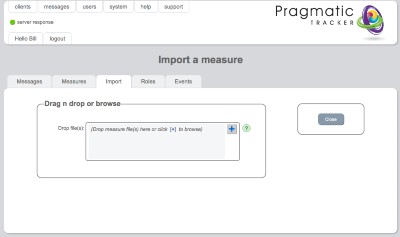
How to import
- Navigate to System → Measures on the top menu
- Click the import icon on the right side of the measures list
- Select the XML file from your computer
- Confirm the import — the measure will be added to your measures list