
Problem List
The problems feature facilitates the creation of a unique client-specific measure based on the client's own view of their presenting issues.
Overview
This feature of SolveFit Tracker facilitates the creation of a unique 'client-specific' measure based on the client's own view of their presenting issues. It provides the opportunity for the client to articulate their problems in their own words, labelling the problems, providing additional detail, and outlining their duration since onset.
How to begin
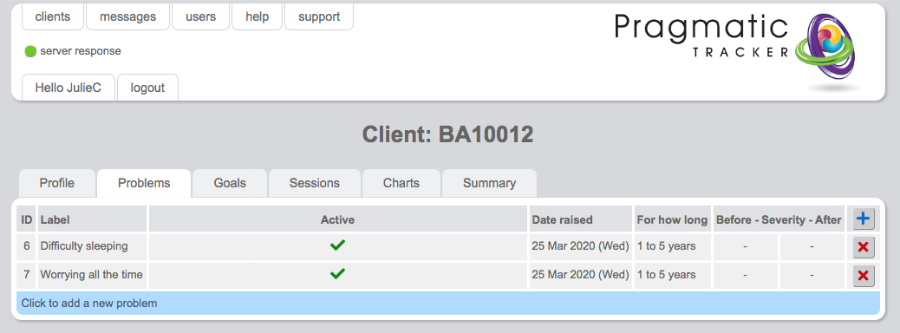
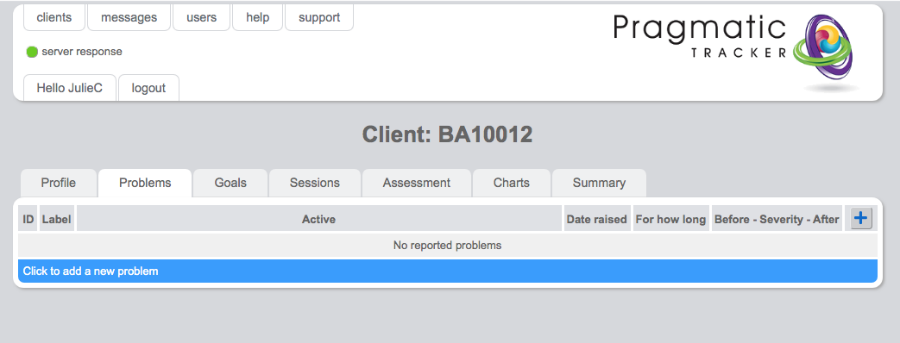
If you wish to use this aspect of SolveFit Tracker with your client you begin the process by asking your clients to describe their problems in their own words and to score them, where 10 is worst and 0 is best. You make a note of these initial scores in order to enter them after the 1st session you recorded them in. You then access the Problems tab. The first time you do so will look like this:
Problems on the chart
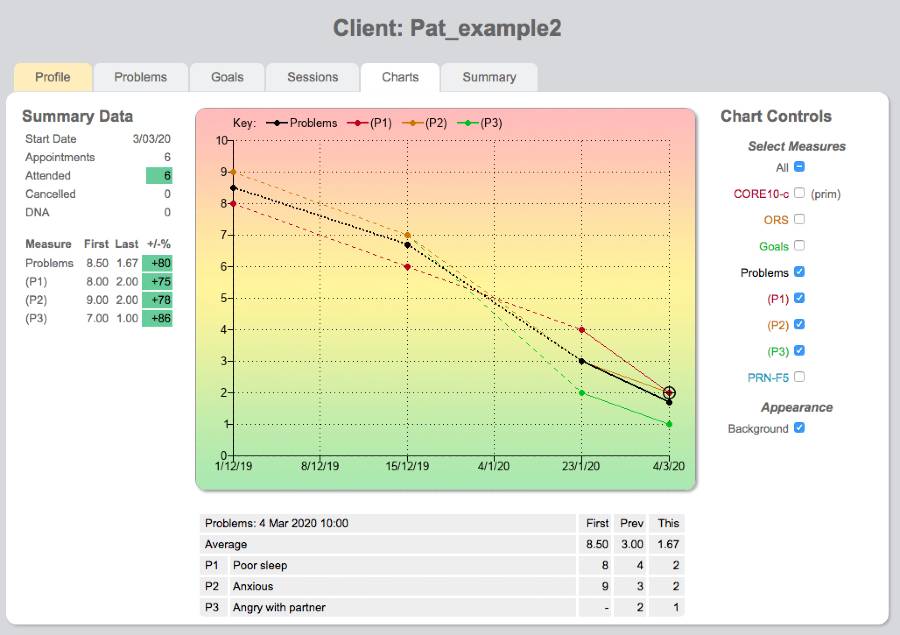
The 'problems' measure that you create displays like any other measure on the chart. You can view it as an aggregated score and also view the individual problems.
Problem List
The problem list, accessed by clicking on the Problems tab, is where one can access the problems listed for a particular client. Once a problem has been created it presents as a new item in what is, in effect, a new measure (the 'Problems' measure) on the session record. You can choose to have the client score the 'Problems' measure at every session or at some particular session. The client can score their individual problems on a severity score ranging from 0 (not troublesome) to 10 (very severe).
Entering problems
To start the process you simply begin by clicking on the blue bar — Click to add new problem. This will then take you to the Problem form where you can add the new problem(s).
The table
Clicking on any scoring point on the chart will open the table below. This table displays the first score (the first time the client scored the 'problem'), the 2nd to most recent score, and the most recent score.